Grain, dust & light for your photos
Free overlays made with code, not scraped and not AI-generated. Download, drop on your image, set the blend mode. That is the whole job.
Pick a plate

Film grain
Grain on 50% grey, from fine ISO 100 to pushed 6400.

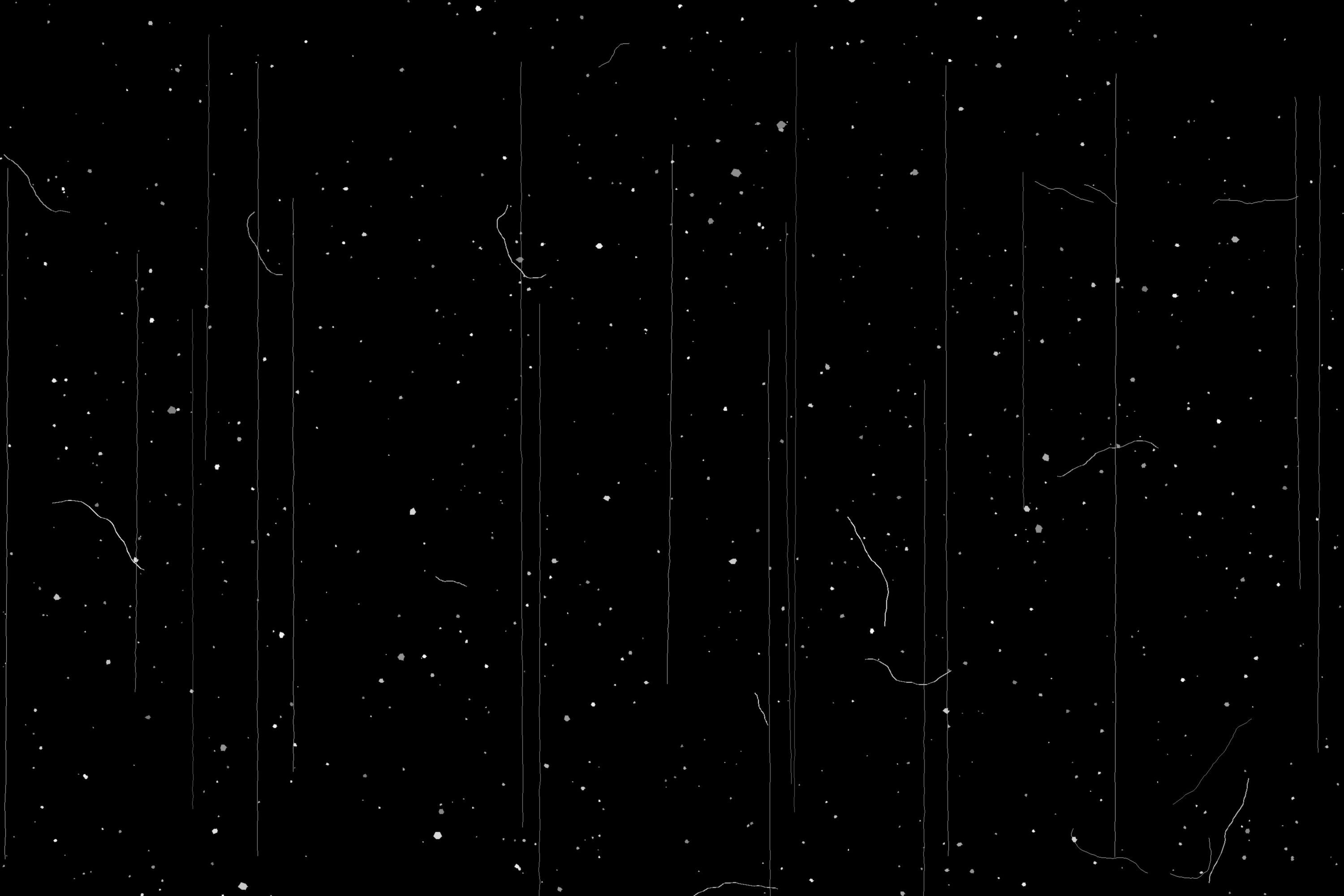
Dust & scratches
Specks, hair and scratches, white on black.

Light leaks
Warm burns and colour flares on black.

Halftone
Dot, line and cross screens on transparent PNG.

Paper & grunge
Paper, kraft and concrete for Multiply.
From the shelf
A strip from each collection. Click a frame for the full-size download and a live preview on a photo.


Plain rules
AI image models used. Every plate is rendered from noise, geometry and documented parameters.
Wide on every plate. Big enough for a full-screen edit or an A4 print at 250 dpi.
Each plate is built for one blend mode and its background disappears in it. No masking needed.
Free for personal and commercial work. No sign-up, no attribution required.
Use them well
How to add film grain in Photoshop (the right way)
Use a grain plate on 50% grey in Overlay mode. It is faster than the Add Noise filter and looks far more like film.
Screen, Overlay, Multiply: which blend mode for which overlay
Black disappears in Screen, white disappears in Multiply, 50% grey disappears in Overlay. Pick the mode by the overlay's background.
Add dust and scratches to a photo in Photopea (free)
Open the photo, place a dust plate, set it to Screen. Three steps, no Photoshop needed.